Quick answer: Nulled plugins are cracked copies of premium plugins, often with hidden code added. Warning signs include a pirated download source, no license or updates, and unknown admin users, redirects or spam pages after install. To remove it: back up, delete the nulled plugin, reinstall WordPress core, hunt for backdoors, reset passwords and scan again.
A business owner messaged me last year: “My site is redirecting to a betting page. We got hacked.” There was no hacker attack in the usual sense. The cause was nulled plugin malware hidden in a “free” premium page-builder add-on someone had installed to save money.
That story repeats so often that I now say this to every client: “I’m not afraid of malware. I’m afraid of nulled plugins installed to save money.”
I’m Muhammad Talha, a WordPress developer in Lahore. I do WordPress malware cleanup, backdoor removal and hardening for business sites, and nulled plugins are one of the most common causes I find.
What Are Nulled Plugins (and Why They’re “Free”)
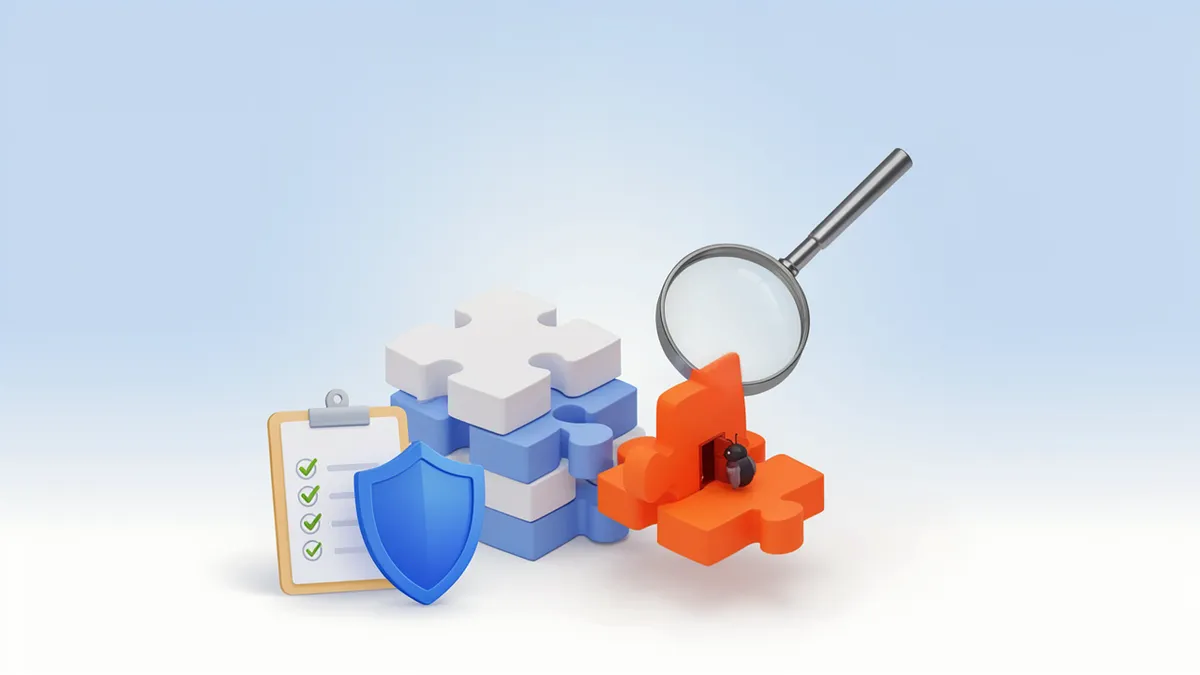
A nulled plugin is a premium plugin or theme with its license check removed. It’s shared on unofficial download sites, Telegram groups and so-called “GPL club” sites, so you can use it without paying the developer.
Ask yourself one question: why would a stranger crack a paid plugin and give it away for free? Nobody does this out of kindness.
The hidden payload is the business model. Your site becomes their asset: for spam links, redirects, pop-up ads, stealing data, or selling access to your server.
A quick note on GPL: many WordPress plugins are licensed in a way that allows the code to be shared. But that doesn’t mean a random zip from an unknown site is the original code. You have no guarantee of what’s been added inside it.
What Nulled Plugin Malware Actually Does to Your Site
Most site owners only notice the last stage, when Google or the host complains. Here’s what usually happens behind the scenes.
Hidden Backdoors
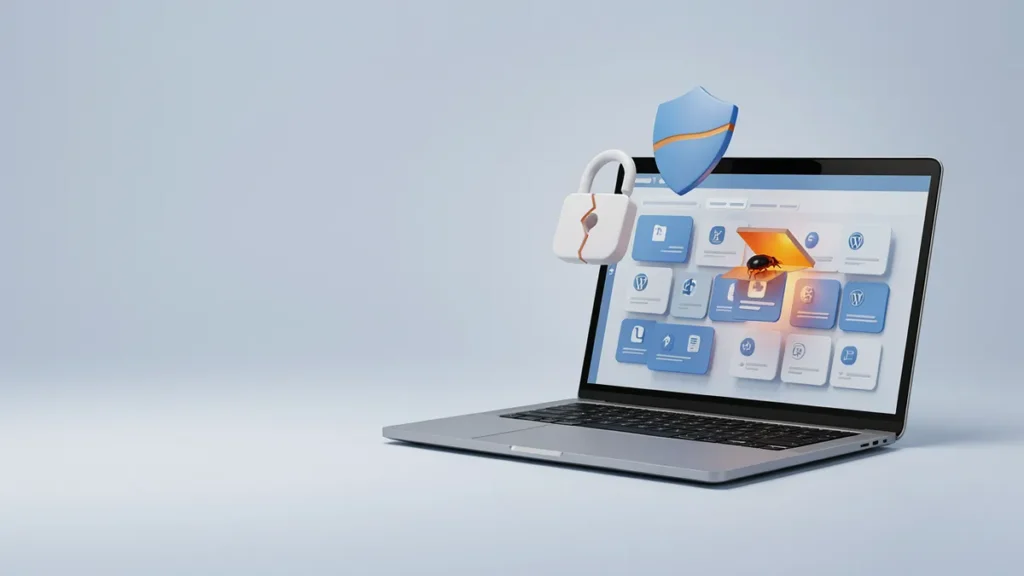
The plugin drops a webshell (a small PHP file that gives remote control of your site) or creates a hidden admin user. Even if you delete the plugin later, the attacker can still get back in.
SEO Spam and Japanese or Pharma Pages
Thousands of spam pages get created on your domain, often in Japanese or selling medicines. You may not see them in your dashboard, but Google does.
Redirects to Betting or Adult Sites
Visitors get sent to betting or adult sites. Often this only happens on mobile, or only for visitors from Google, so the owner checking on a laptop sees nothing wrong.
Stealing Logins and Customer Data
Some malware records admin passwords or customer details. On a WooCommerce store, that can include names, phone numbers and addresses of your buyers.
Sending Spam From Your Server
Your server gets used to send spam emails. Your host notices the load, and your account gets suspended. Your own business emails start landing in spam too.
Google’s “This Site May Be Hacked” Warning
Once Google detects the spam or redirects, it can show a warning in search results. Traffic drops fast. If you’re not sure your site is affected, go through these signs your WordPress site is hacked first.
This isn’t just my experience. Georgia Tech research on malicious WordPress plugins used a tool called YODA on backups from over 400,000 web servers. It found 47,337 malicious plugins across 24,931 WordPress sites, with malware sold on the open market or spread through piracy sites.
Are Nulled Plugins Safe?
Short, honest answer: no. People ask me “are nulled plugins safe if I scan them first?” Even if one looks clean today, it never gets updates.
When the original developer fixes a security hole, your copy stays open. That bug becomes public, and bots start looking for sites still running the old version.
| Nulled Plugin | Licensed Plugin | |
|---|---|---|
| Updates | None, or from an unknown source | Regular, from the developer |
| Security fixes | Never arrive | Delivered with updates |
| Support | None | Official support |
| Malware risk | High, code may be modified | Low, original code |
| License key | Removed or faked | Yours, in your name |
| Long-term cost | Cleanup, lost rankings, lost customers | The license fee |
How to Check If a Plugin Is Nulled (7 Signs)
Here’s how to check if a plugin is nulled on your own site. One sign alone isn’t proof, but two or three together are a red flag.
- It came from anywhere other than wordpress.org or the official vendor. A download site, Telegram, a shared Google Drive link or a YouTube description all count.
- No license key field, or it says “activated” without you entering anything. A premium plugin you never paid for should not show as licensed.
- It never shows updates, or updates come from a strange source. Real premium plugins update regularly through the vendor.
- Unknown plugins or a “must-use” plugin appeared after install. Check the Plugins page and the “Must-Use” tab, or the
wp-content/mu-pluginsfolder. - Encoded or obfuscated code in plugin files. Look for
base64_decode,eval,gzinflateor long unreadable strings. Some legit plugins use these, but combined with other signs it’s suspicious. - A new admin user or changed admin email after install. Check Users → Administrators for names you don’t recognise.
- Your developer “gave you premium plugins for free”. No invoice, no license in your name, no account you can log into.
How to Remove Nulled Plugin Malware (Step by Step)
First, the most important line in this guide: deleting the nulled plugin alone is NOT a cleanup. The backdoor it dropped usually stays behind in other files.
Here’s the process I follow. The official WordPress.org guide on hacked sites is also worth reading alongside it.
Step 1: Take a Backup of the Infected Site
Back up files and database before you change anything. This copy is for investigation (to see what was changed and when), not for restoring later. Never restore an infected backup onto a clean site.
Step 2: Delete the Nulled Plugin or Theme Completely
Don’t just deactivate it. Delete it fully, including its folder. Then install the official copy from the vendor with a real license, or switch to a free alternative from wordpress.org.
Step 3: Reinstall WordPress Core
Replace WordPress core files with a fresh copy from wordpress.org. If you have WP-CLI, run wp core verify-checksums first. It lists any core file that doesn’t match the original.
Step 4: Hunt for Backdoors
This is where most DIY cleanups fail. Check these places one by one:
- PHP files inside
wp-content/uploads(there should normally be none) - Changes in
.htaccess,wp-config.phpand your theme’sfunctions.php - Unknown files in
wp-content/mu-plugins - Suspicious cron jobs, both in WordPress and in cPanel
- Injected scripts in the database, mainly the
wp_optionsandwp_poststables
Step 5: Remove Unknown Admins and Change All Passwords
Delete any admin user you don’t recognise. Then change all passwords: WordPress, cPanel, FTP, database and email.
Also reset the security keys (salts) in wp-config.php. This logs out everyone, including an attacker with a saved session.
Step 6: Scan Again, Then Ask Google for a Review
Scan the site again with more than one scanner, from inside WordPress and from outside. Repeat until it’s clean for a few days.
Then go to Google Search Console → Security issues and click “Request review”. After that, follow these steps to get your pages back on Google.
Why Clients Install Nulled Plugins (What I See in Real Projects)
Almost no owner wakes up and decides to install malware. It happens quietly, usually like this:
- “My old developer installed it.” The owner never knew the plugins weren’t licensed.
- Saving on one premium add-on, like an Elementor or WooCommerce extension, for a single feature.
- Buying a cheap “all premium plugins” package from a reseller.
- Downloading a premium theme from a YouTube link in a tutorial’s description.
- A freelancer reusing one license on 20 sites, then the sites stop getting updates.
In one cleanup, a clinic’s site had three nulled plugins. The owner had no idea, because the previous developer had handed over the site with no logins to any vendor account.
Tip: at handover, ask your developer for every license and invoice in YOUR name. It’s one of the things I cover in how to choose the right developer.
Safe Alternatives to Nulled Plugins
You don’t need to spend a lot to stay safe. These options cover most sites I work on:
- Free plugins from wordpress.org. They’re reviewed before listing and get updates through your dashboard.
- Freemium versions. Many premium plugins have a free version that’s enough for small sites.
- Buy only the 1-2 premium plugins you truly need. Most sites don’t need ten.
- Wait for official sale periods on the vendor’s own site.
- Ask your developer for a lighter custom solution. A small feature often needs a few lines of code, not a heavy add-on.
On WooCommerce stores, I also set up GA4 and Meta Pixel tracking with clean, licensed tools, so your tracking never depends on pirated add-ons.
Nulled Plugin Cleanup Checklist
| Task | Why It Matters | Done? |
|---|---|---|
| Back up the infected site | Lets you investigate what changed | ☐ |
| Delete the nulled plugin or theme | Removes the source of the infection | ☐ |
| Install official or free wordpress.org replacements | Original code with updates | ☐ |
| Reinstall WordPress core | Replaces any modified core files | ☐ |
| Hunt backdoors in uploads, mu-plugins, config and database | Stops the hack from coming back | ☐ |
| Remove unknown admin users | Closes hidden access | ☐ |
| Change all passwords and reset salts | Stolen logins stop working | ☐ |
| Rescan and request Google review | Removes the warning and recovers traffic | ☐ |
When to Get Professional Help
Some cleanups are simple. Get help if:
- The hack comes back after you deleted the plugin
- You can’t find which plugin or theme is nulled
- Google’s warning won’t go away
- It’s a WooCommerce store with customer data
- A premium plugin needs replacing without breaking your design
I offer WordPress security work: malware cleanup, backdoor removal, hardening and monitoring. See my WordPress malware removal service, or learn more about me as a WordPress developer in Lahore.
FAQs
Are nulled plugins safe to use?
No. They often contain hidden malware, and even a clean one never gets security updates, so it becomes an open security hole over time.
Can WordPress plugins contain viruses?
Yes. Plugins are PHP code with full access to your site, so a modified plugin can add backdoors, spam pages, redirects or data-stealing code. Plugins from wordpress.org or the official vendor are the safe choice.
How do I know if a plugin is nulled?
Check where it came from, whether it has a real license key in your name, and whether it gets official updates. Encoded code, unknown admin users or extra must-use plugins after installing it are strong warning signs.
Is deleting the nulled plugin enough to remove the malware?
No. The plugin usually leaves backdoors in other files, the database or hidden admin users. You need to reinstall core, hunt for backdoors, remove unknown users and change all passwords.
Can nulled scripts get my website hacked?
Yes. Nulled plugins, themes and scripts are a common way sites get infected, because whoever cracked them can add a backdoor before sharing the file. Even a clean copy never gets security updates.
Final Thoughts
A “free” plugin can cost far more than the license: a cleanup bill, lost Google rankings and customers who stop trusting your site. Nulled plugin malware is one of the easiest hacks to avoid.
Remove the nulled plugin, clean the site properly, and stick to licensed or free official plugins. If you’d rather have it checked by someone who does this every week, message me.